
Your Read is on the Way
Every Story Matters
Every Story Matters
The Hydropower Boom in Africa: A Green Energy Revolution Africa is tapping into its immense hydropower potential, ushering in an era of renewable energy. With monumental projects like Ethiopia’s Grand Ethiopian Renaissance Dam (GERD) and the Inga Dams in the Democratic Republic of Congo, the continent is gearing up to address its energy demands sustainably while driving economic growth.
Northern Kenya is a region rich in resources, cultural diversity, and strategic trade potential, yet it remains underutilized in the national development agenda.

Can AI Help cure HIV AIDS in 2025

Why Ruiru is Almost Dominating Thika in 2025

Mathare Exposed! Discover Mathare-Nairobi through an immersive ground and aerial Tour- HD

Bullet Bras Evolution || Where did Bullet Bras go to?
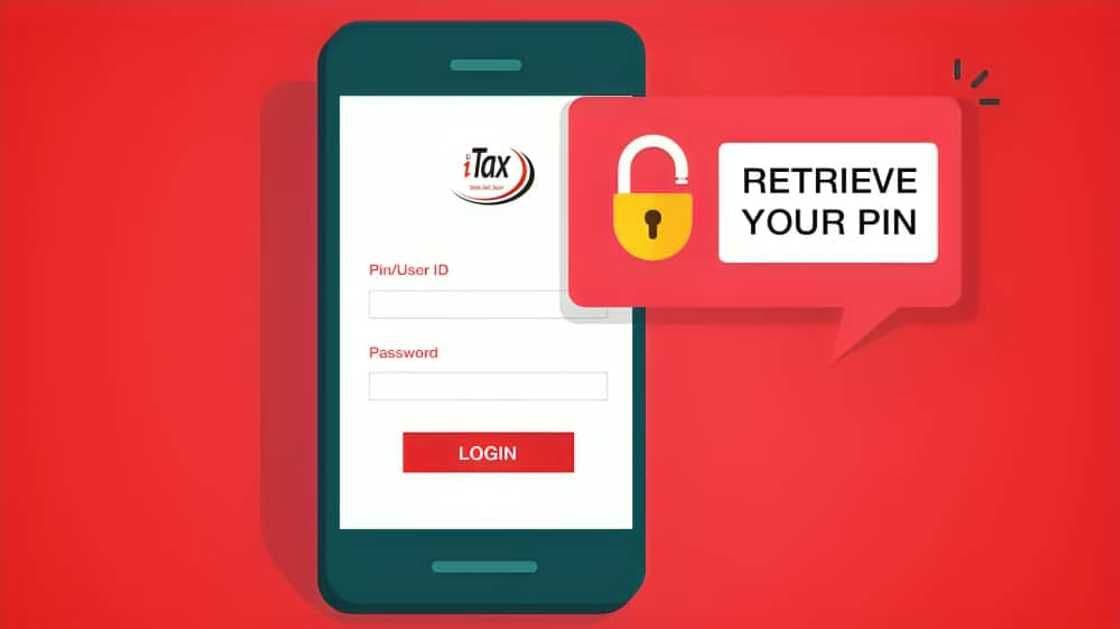
The KRA iTax portal is the central platform for handling all tax-related tasks in Kenya. From filing returns and generating tax compliance certificates to updating your profile and applying for waivers, you need access to your iTax account to stay compliant. Logging in is straightforward—if you know your details. Here’s a formal yet simple guide to help you log in correctly and resolve any basic issues.
Before accessing your iTax account, ensure you have:
-Your KRA PIN (Personal Identification Number)
-Your iTax Password
-Access to your registered email address (for password reset or alerts)
-A stable internet connection and updated browser
1.Visit the Official Website
Go to https://itax.kra.go.ke on your browser.
2.Enter Your KRA PIN or ID Number
Type your KRA PIN or linked national ID number in the login field.
3.Input Your Password
Below the PIN, enter the password associated with your account.
4.Answer the Arithmetic Security Check
Solve the simple math question (e.g., 5 + 2 = 7) to prove you're not a bot.
5.Click ‘Log In’
You’ll be redirected to your iTax dashboard if all credentials are correct.
Once logged in, you can access several key features:
-File income tax, VAT, or PAYE returns
-Reprint your KRA PIN Certificate
-Apply for a Tax Compliance Certificate
-View payment status or generate payment slips
-Update your taxpayer profile (e.g., change of email or address)
1.Click on “Forgot Password/Unlock Account” on the login page.
2.Enter your KRA PIN and solve the math challenge.
3.A password reset link will be sent to your registered email.
4.Click the link and create a new password.
If you don’t receive the email, check your spam/junk folder or confirm that your email is still the one registered with KRA.
-Wrong Password: Use the password reset option if unsure.
-Inactive PIN: This may happen if you never updated your profile on iTax. Visit a KRA office or Huduma Centre for help.
-Account Locked: Too many failed attempts will lock your account—reset your password or contact KRA.
Logging into the KRA iTax portal is an essential skill for every taxpayer in Kenya. As long as you know your PIN and password, it’s a quick and secure process. Take a few minutes to bookmark the portal and store your credentials safely. If you experience trouble, the portal offers support mechanisms for quick recovery.



0 comments